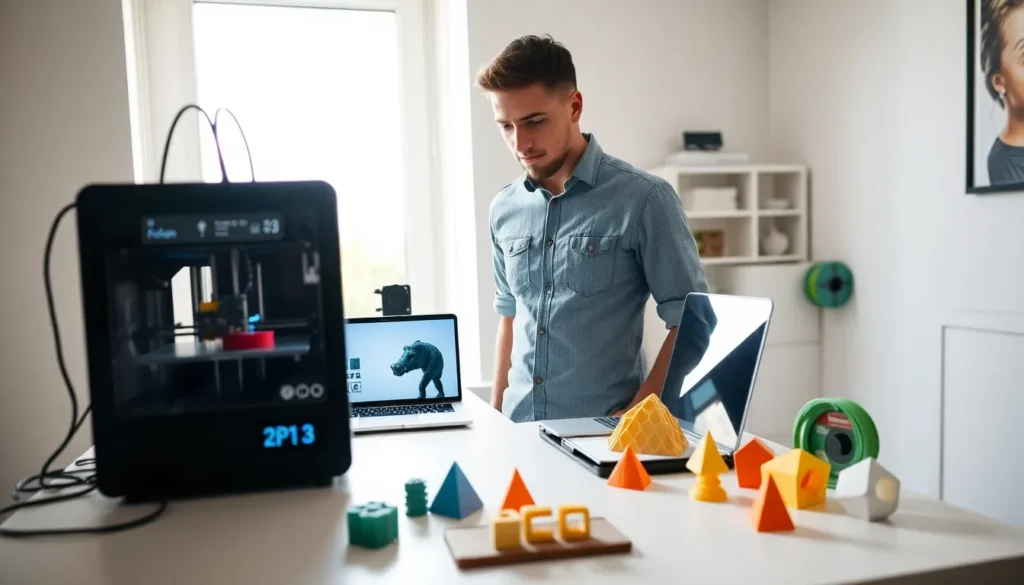
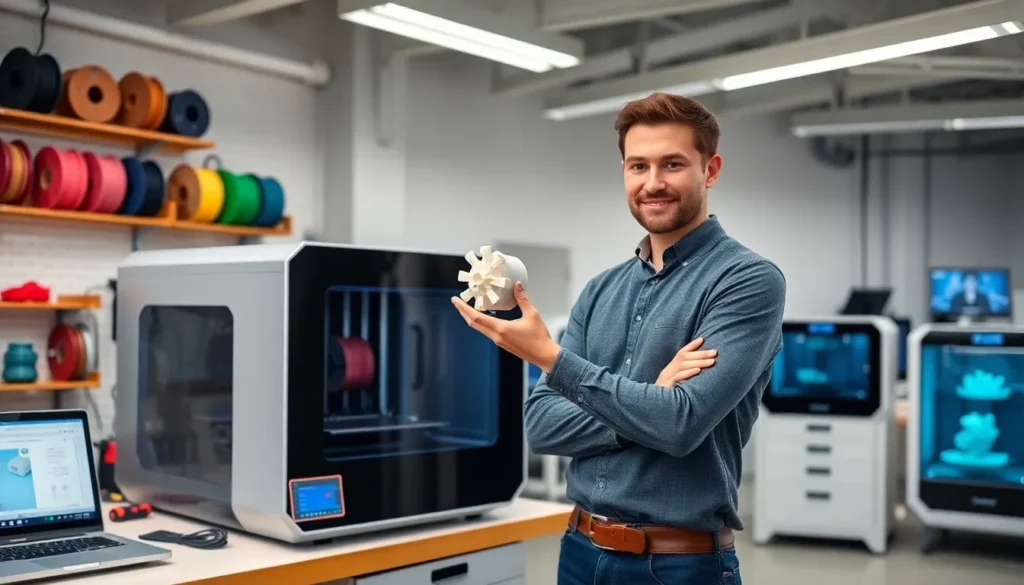
3D printing has changed how people create physical objects from digital designs. This technology builds items layer by layer, which is why experts call it additive manufacturing. Unlike traditional methods that cut away material, 3D printing adds material only where needed. The result? Less waste and more design freedom.
Whether someone wants to prototype a product, create custom parts, or explore a new hobby, 3D printing offers accessible solutions. Prices have dropped significantly over the past decade. A decent entry-level printer now costs less than a smartphone. This guide covers the basics, how the technology works, the different types available, common materials, real-world applications, and practical tips for getting started.
Table of Contents
ToggleKey Takeaways
- 3D printing builds objects layer by layer from digital designs, reducing material waste and offering greater design freedom than traditional manufacturing.
- FDM (Fused Deposition Modeling) is the most accessible 3D printing technology for beginners, balancing affordability, ease of use, and material variety.
- PLA is the best starting material for new users because it prints easily, costs less, and doesn’t require advanced settings or ventilation.
- Industries from healthcare to aerospace rely on 3D printing for custom prosthetics, lightweight components, rapid prototyping, and end-use parts.
- Entry-level 3D printers now cost under $300, making the technology accessible for hobbyists, educators, and small businesses.
- Joining active user communities accelerates the learning curve by providing troubleshooting support, print settings, and upgrade advice.
How 3D Printing Works
3D printing follows a straightforward process. It starts with a digital 3D model, usually created in CAD software or downloaded from online repositories like Thingiverse or Printables. The model file gets sliced into thin horizontal layers using slicer software. This software generates instructions (G-code) that tell the printer exactly where to deposit material.
The printer then builds the object one layer at a time. Each layer bonds to the previous one until the full shape emerges. Most consumer 3D printers use filament, thin strands of plastic wound on spools. The machine heats this filament until it melts, then pushes it through a nozzle that moves precisely across a build plate.
Print times vary widely. A small keychain might take 30 minutes. A detailed figurine could require 8 hours or more. Layer height affects both speed and quality. Thinner layers produce smoother surfaces but take longer to print.
The process sounds simple, but getting good results takes practice. Users need to calibrate their machines, choose appropriate settings, and sometimes adjust designs for printability. Still, the learning curve isn’t steep. Most beginners produce successful prints within their first few attempts.
Types of 3D Printing Technologies
Several 3D printing technologies exist, each with distinct strengths.
Fused Deposition Modeling (FDM)
FDM is the most common type for home users and hobbyists. It melts plastic filament and extrudes it through a heated nozzle. FDM printers are affordable, easy to maintain, and work with many materials. The trade-off is visible layer lines on finished prints.
Stereolithography (SLA)
SLA uses a UV laser to cure liquid resin into solid plastic. This method produces incredibly detailed prints with smooth surfaces. Jewelry designers, dentists, and miniature painters often prefer SLA. But, resin can be messy, requires post-processing, and costs more than filament.
Selective Laser Sintering (SLS)
SLS fuses powdered material (often nylon) using a laser. It creates strong, functional parts without support structures. Industrial manufacturers use SLS for production parts and prototypes. These machines remain expensive for most consumers.
Multi Jet Fusion (MJF)
MJF applies fusing agents to powder beds and heats them with infrared light. HP developed this technology for fast, high-volume production. Companies use MJF for end-use parts that need strength and consistency.
For beginners, FDM offers the best balance of cost, ease of use, and capability. Those needing fine detail should consider resin-based SLA printers.
Common Materials Used in 3D Printing
Material choice significantly affects print quality, strength, and appearance. Here are the most popular options for 3D printing.
PLA (Polylactic Acid) is the go-to material for beginners. It prints at lower temperatures, doesn’t warp easily, and comes from renewable resources like corn starch. PLA works great for decorative items, prototypes, and toys. It isn’t ideal for outdoor use or high-heat applications.
ABS (Acrylonitrile Butadiene Styrene) offers better durability and heat resistance than PLA. LEGO bricks are made from ABS. This material requires higher print temperatures and a heated bed. It also produces fumes, so ventilation matters.
PETG combines the easy printing of PLA with better strength and flexibility. It resists moisture and chemicals, making it suitable for functional parts. Many users consider PETG a solid middle-ground material.
TPU (Thermoplastic Polyurethane) creates flexible, rubber-like prints. Phone cases, gaskets, and wearables often use TPU. Printing with it requires slower speeds and specific settings.
Resin materials for SLA printers come in standard, tough, flexible, and castable formulations. Standard resin works for models and prototypes. Engineering resins handle mechanical stress better.
Beginners should start with PLA. It’s forgiving, inexpensive, and available in countless colors. As skills develop, experimenting with other materials opens new possibilities.
Popular Applications Across Industries
3D printing has moved far beyond hobbyist workshops. Industries now rely on this technology for practical, everyday applications.
Healthcare uses 3D printing for custom prosthetics, surgical guides, and dental aligners. Surgeons practice complex procedures on printed organ models. Some researchers are even working on bioprinting human tissue.
Aerospace companies print lightweight components that reduce fuel consumption. SpaceX 3D prints parts for rocket engines. The ability to create complex geometries that traditional manufacturing can’t achieve gives aerospace engineers new design options.
Automotive manufacturers prototype parts quickly and produce custom tooling. Some companies print end-use components for limited-production vehicles. Spare parts for classic cars, no longer in production, can be recreated through 3D printing.
Architecture firms create detailed scale models of buildings and developments. 3D printed models help clients visualize projects before construction begins.
Education brings 3D printing into classrooms for hands-on learning. Students design and print everything from historical artifacts to engineering projects. The technology teaches problem-solving, design thinking, and technical skills.
Consumer products include custom phone cases, home décor, replacement parts, and personalized gifts. Small businesses use 3D printing for low-volume production without expensive tooling.
The versatility of 3D printing explains its rapid adoption. Almost any industry that creates physical objects can benefit from this technology.
Getting Started With Your First 3D Printer
Buying a first 3D printer doesn’t have to feel overwhelming. A few key considerations will guide the decision.
Budget ranges from $200 for capable entry-level machines to $1,000+ for premium features. Popular beginner options include the Creality Ender 3 series, Anycubic Kobra, and Bambu Lab A1 Mini. These printers offer good quality without very costly.
Build volume determines how large objects can be printed. A 220x220x250mm bed size handles most hobbyist projects. Larger volumes cost more and require more space.
Assembly varies by model. Some printers arrive fully assembled. Others require building from a kit. Pre-assembled machines get users printing faster, but assembly teaches valuable knowledge about how the printer works.
Software is mostly free. Slicers like Cura, PrusaSlicer, and Bambu Studio convert 3D models into printable files. Most people pick up the basics within a few hours.
Community support matters more than many realize. Printers with active user communities offer troubleshooting help, profile settings, and upgrade recommendations. Check Reddit, Facebook groups, and manufacturer forums before buying.
After unboxing, level the bed, load filament, and start with a test print. Most printers include sample files. Success with those builds confidence before moving to custom projects.
3D printing rewards patience and experimentation. Failed prints happen, even to experienced users. Each failure teaches something useful.